
Map Your 2026
BONUS GIFTS
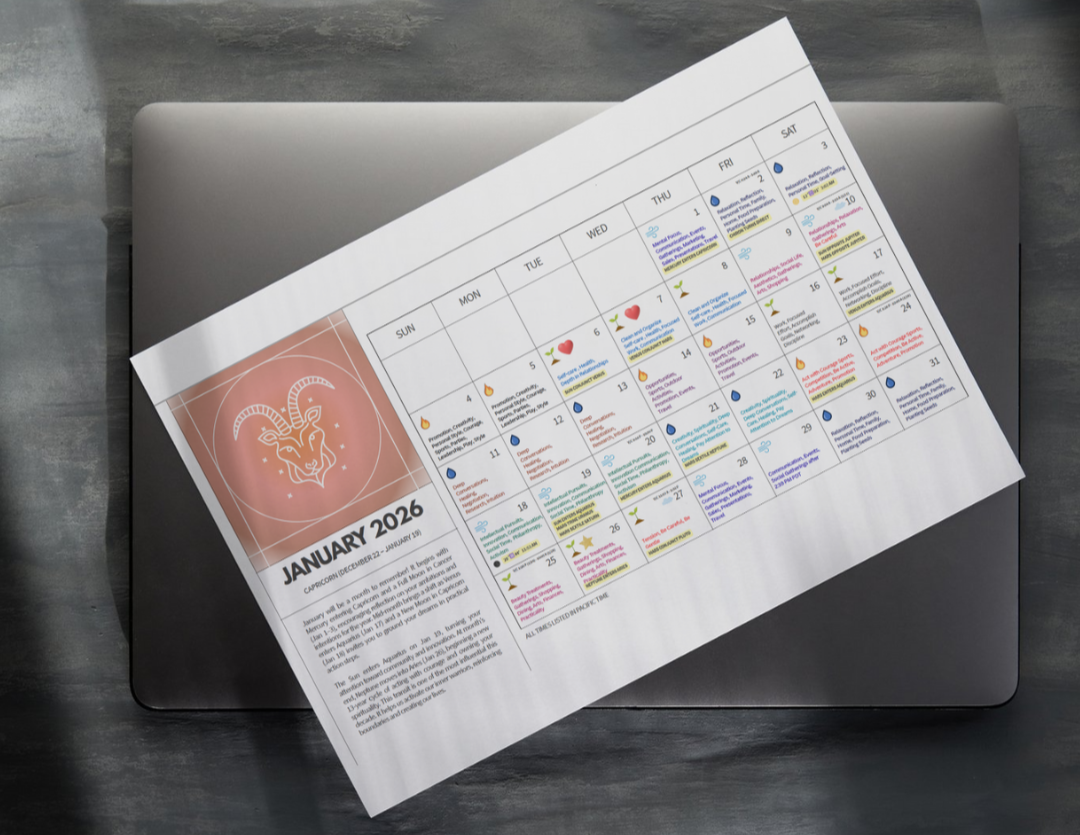

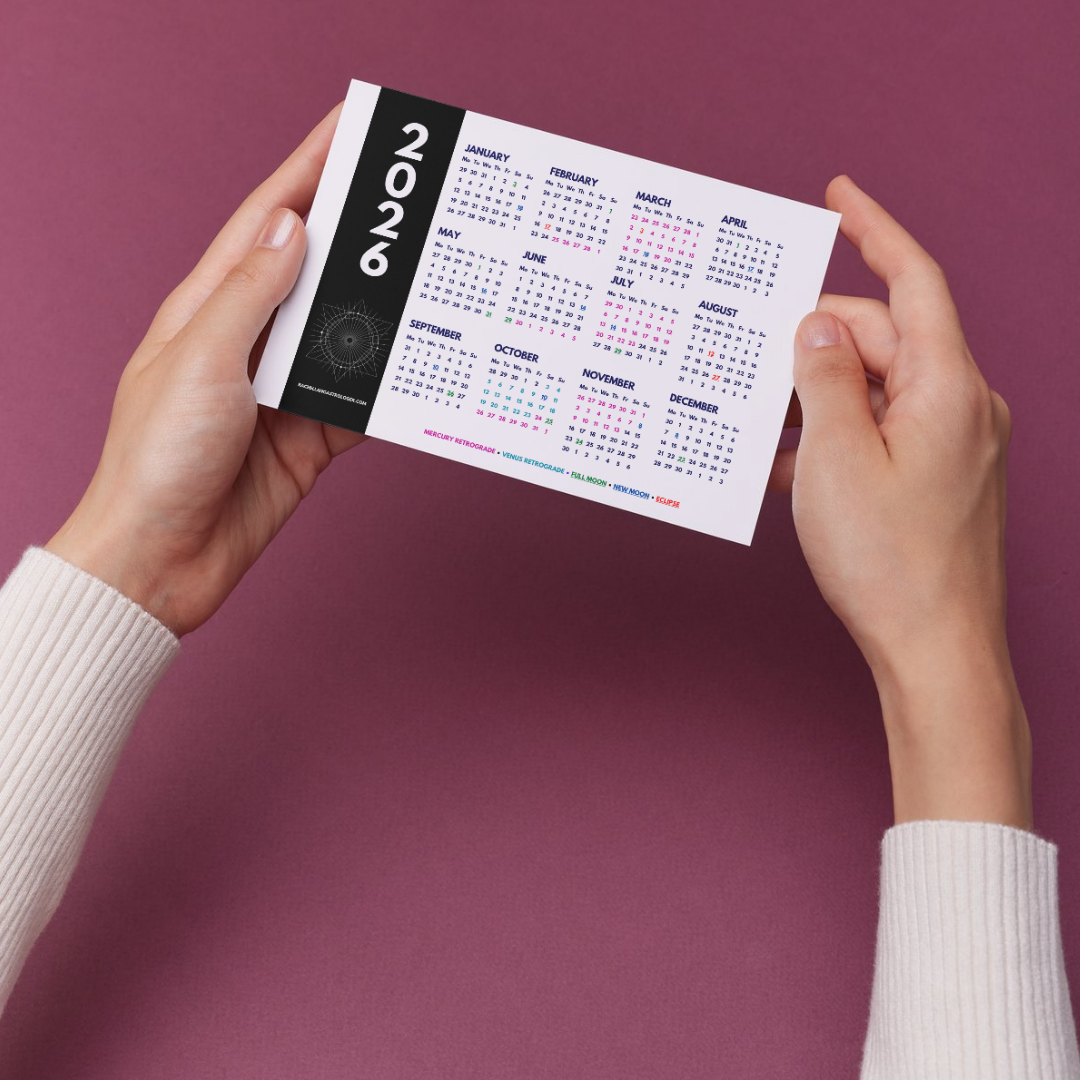
Transit Calendar - Check Your Email!
Did you know we have a monthly membership?
Classes and workshops for free
Monthly astrology discussions
Monthly workshops on various astrological and spiritual topics
Bonus gifts!
How To Set Up Your Transit Calendar
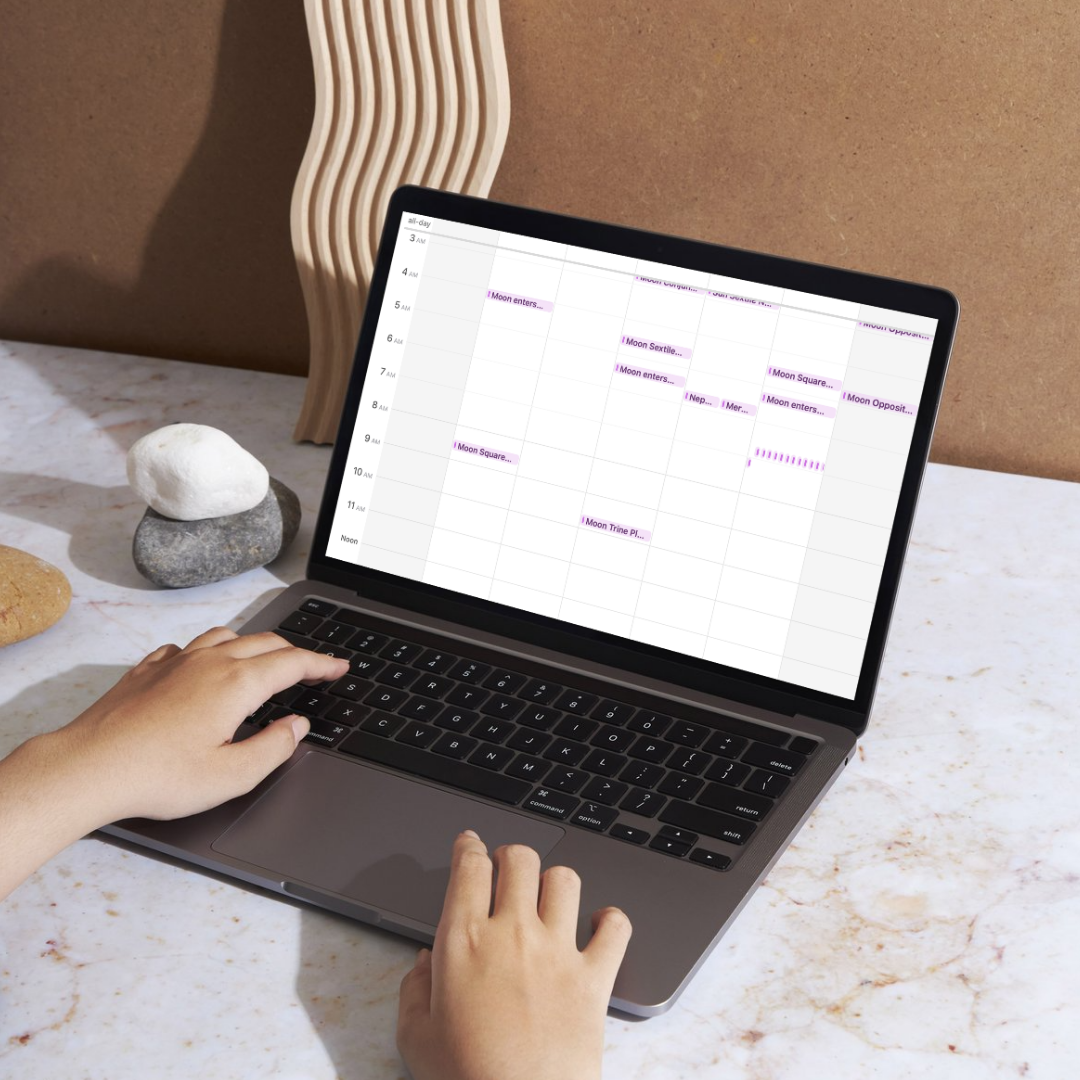
This is your personal astrology calendar that automatically updates with lunar phases, planetary transits, and key cosmic moments. It lives inside your own calendar app and integrates with your digital calendar. It has descriptions of each transit for you to learn astrology, too!
You will receive a personal email with your 2026 transtis.
Here are detailed instructions for integrating it into your favorite calendar app.
Import… → Choose the .ics file → Select your calendar.
📱 Apple Calendar (iPhone / iPad)
Download the .ics file to your device (from email, web link, or Files app).
Tap the downloaded file.
A preview will open → Tap Add All or choose specific events.
Select which calendar to add to.
Tap Done.
Tip: Ensure Calendar sync is ON in Settings → Apple ID → iCloud → Calendars.
🟢 Google Calendar (Web Browser)
Go to calendar.google.com in a browser.
On the left sidebar, beside “Other calendars”, click the + sign.
Select Import.
Choose the .ics file from your device.
Select which calendar to add events to.
Click Import.
Note: Imports may not appear instantly — refresh if needed.
🤖 Google Calendar (Android)
Google doesn't allow direct .ics imports on Android alone. Instead:
Option 1 — Use the Web Method
Open your phone’s browser in Desktop Mode → Follow the Web Browser steps
above.
Events will sync to the Google Calendar app.
Option 2 — Import on a Computer
Import using the website, then the events sync automatically to your phone.
💼 Outlook for Windows (Office 365 / Microsoft 365)
Download the .ics file.
Open Outlook.
Go to File → Open & Export → Import/Export.
Choose Import an iCalendar (.ics) or vCalendar file (.vcs).
Select the file.
Choose Import.
You can also double-click the file and choose Save to Calendar.
💼 Outlook for Mac
Download the file.
Open Outlook.
Drag and drop the .ics file directly onto the Calendar icon in Outlook.
or
File → Import → iCalendar (.ics) → Choose calendar.
✉ Outlook.com (Web)
Go to Outlook.com and sign in.
Open Calendar from the app menu (nine-dot grid).
On the left sidebar, under “Add calendar”, click Add.
Select Upload from file.
Choose your .ics file and calendar destination.
Click Import.